
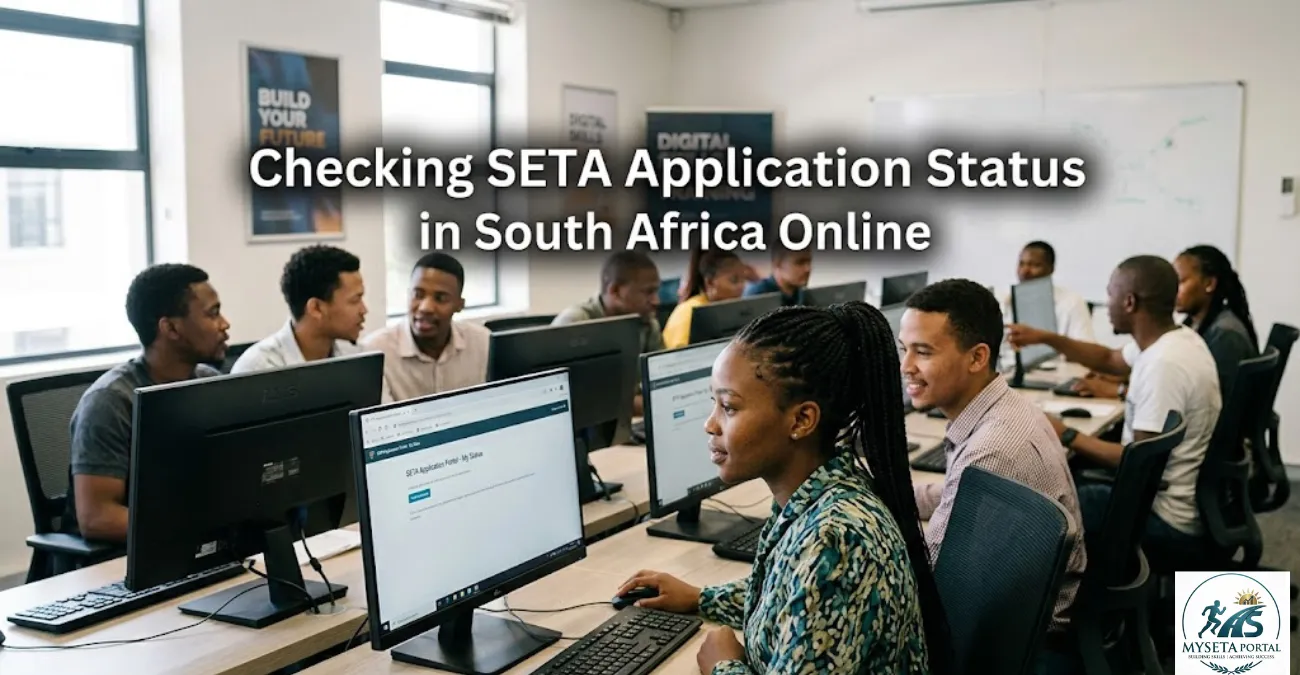
Didn’t hear back after applying for a SETA learnership? Here’s what it really means
If you’ve applied for a SETA learnership, internship, or bursary, and you’re still waiting for feedback, you’re not alone.
Thousands of applicants across South Africa struggle with one thing:
Not knowing how to check their SETA application status
The good news is that most SETA programmes do have a way to track your progress — you just need to know where to look.
What “SETA Application Status” actually means
Your SETA application status shows the stage your application is at after submission.
Common status updates include:
- Submitted → Application received successfully
- Under Review → Being evaluated by SETA or employer
- Shortlisted → You may be invited for assessment/interview
- Accepted → You have been selected
- Unsuccessful → Not selected for this intake
Each SETA (like MICT, Services SETA, merSETA, etc.) may use slightly different wording.
Step-by-step: How to check your SETA application status
1. Go to the SETA portal you applied through
Each application is tied to a specific platform.
Examples include:
- SETA career portals
- Employer recruitment systems
- Skills development application platforms
You must use the same email or ID used during application.
2. Log in to your profile
Use:
- ID number
- Email address
- Password (if created during registration)
Some systems also send a login link via email.
3. Open “My Applications” or “Application Dashboard”
Look for sections such as:
- My Applications
- Application Status
- Track Application
- Candidate Dashboard
This is where updates are displayed.
4. View your status result
Once opened, you may see:
- “Under Review” → Your application is still being processed
- “Shortlisted” → You may be contacted soon
- “Accepted” → You have secured a place
- “Not Selected” → You were not successful this round
5. Check your email and SMS regularly
This is VERY important.
Many SETAs:
- Send interview invites via email
- Send selection updates via SMS
- Do not always update portals instantly
Always check spam/junk folders too.
Why your SETA status might not show
Sometimes applicants panic when nothing appears. Common reasons include:
- Your application is still being processed
- Shortlisting has not started yet
- You used a different email when applying
- The SETA updates results in batches
- High volume of applications causing delays
No update does NOT automatically mean rejection.
Eligibility reminder (why status matters)
Most SETA programmes require:
- South African citizenship
- Age 18–35 (most programmes)
- Unemployed status (in many cases)
- Matric or relevant qualification
- Willingness to complete full training duration
Related Opportunity
You may also explore:
- From R2,000 to R8,000: What Most South Africans Don’t Know About SETA Monthly Stipends in 2026
- How to Register Your CV on SETA in South Africa (2026 Complete Guide)
Document checklist (for faster approval tracking)
Make sure your application always includes:
- Certified ID copy
- Updated CV
- Matric certificate or highest qualification
- Proof of residence
- Any required SETA forms
Missing documents can delay your status updates.
How to improve your chances of being shortlisted
Even though you cannot control selection, you can improve your profile:
- Keep your CV simple and skills-focused
- Apply early (don’t wait for deadline day)
- Apply to multiple SETA opportunities
- Match your CV to the job description
- Ensure all documents are certified and readable
FAQs
How long does SETA take to respond?
Usually 2 to 8 weeks, depending on the programme.
Can I check SETA status without logging in?
Only if updates are sent via SMS/email. Most require login.
What does “pending” mean?
It means your application is still being reviewed.
Does no feedback mean rejection?
Not always. It often means shortlisting is still in progress.
Martine Smith’s Expert Insight
Most applicants lose opportunities due to avoidable mistakes:
- Using an unprofessional or incomplete CV
- Ignoring email updates from SETA portals
- Applying without checking eligibility requirements
- Not updating contact details (very common issue)
To stand out, ensure your CV clearly shows:
- Basic computer literacy
- Communication skills
- Any volunteer or informal work experience
- Willingness to learn and commit
SETA programmes value potential and consistency more than experience.
Grow Your Career with MySetaPortal
Unlock real opportunities that help you move from learning to earning. MySETA Portal connects South African youth with trusted and up-to-date career development opportunities designed to build skills and open doors.
Whether you are a matriculant, unemployed graduate, or someone looking to upskill, this platform helps you stay ahead with opportunities that matter.
What you can access:
- Career Guides
- SETA Guides
- SETAs
- Bursaries
- Learnerships
- Internships
- Training Programmes
- TVET Opportunities
- Government Vacancies
- Courses
- Apprenticeships
- Graduate Programme
Wrap-Up
Checking your SETA application status is simple once you know where to look. The key is to stay consistent, patient, and active in tracking updates across email and portals.
For verified opportunities and tracking guidance, always refer to Mysetaportal.co.za
Disclaimer: Mysetaportal.co.za is an independent information platform and is not affiliated with any government department or SETA authority.

Martine Smith is the Founder and Managing Editor of MY SETA portal, he writes about SETA learnerships, internships, bursaries and youth employment opportunities in South Africa. His goal is to help young people access trusted career information and skills development programmes. Email: info@mysetaportal.co.za